

Run every store live from your browser.

Your POS landscape only works if you can see what it's doing and change it without driving there. Snabble's backoffice gives head office one place to set up stores, tills, prices and people, and gives every store manager a live view of their own numbers and their own cash. Both run in the browser, both read from the same data as the tills themselves.
What store operations and IT get out of it.
Live numbers, not yesterday's report
Revenue, transactions and basket average update as they happen, across all your stores or in a single one. You see today's takings before the store closes, not in tomorrow's export. Filter by period, compare against the previous week, download what you need.
Change it from your desk, not on site
Prices, product menus, quick-access tiles, promotions, device settings, app versions. Everything reaches the tills over the cloud. No store visit, no technician appointment, no USB stick.
Every screen is an API call
Nothing is hard-coded in the device. The backoffice sits on the same REST API the tills use, so anything you can set in the UI you can also set from your own tooling, your ERP or a script. Setting up one store and setting up all of them work the same way.
One place for every store, till and cashier.
A new store goes live the same way every time. You create it, hang the tills off it, pick a configuration, and it looks and behaves like all your other stores from the first transaction.
Stores and tills
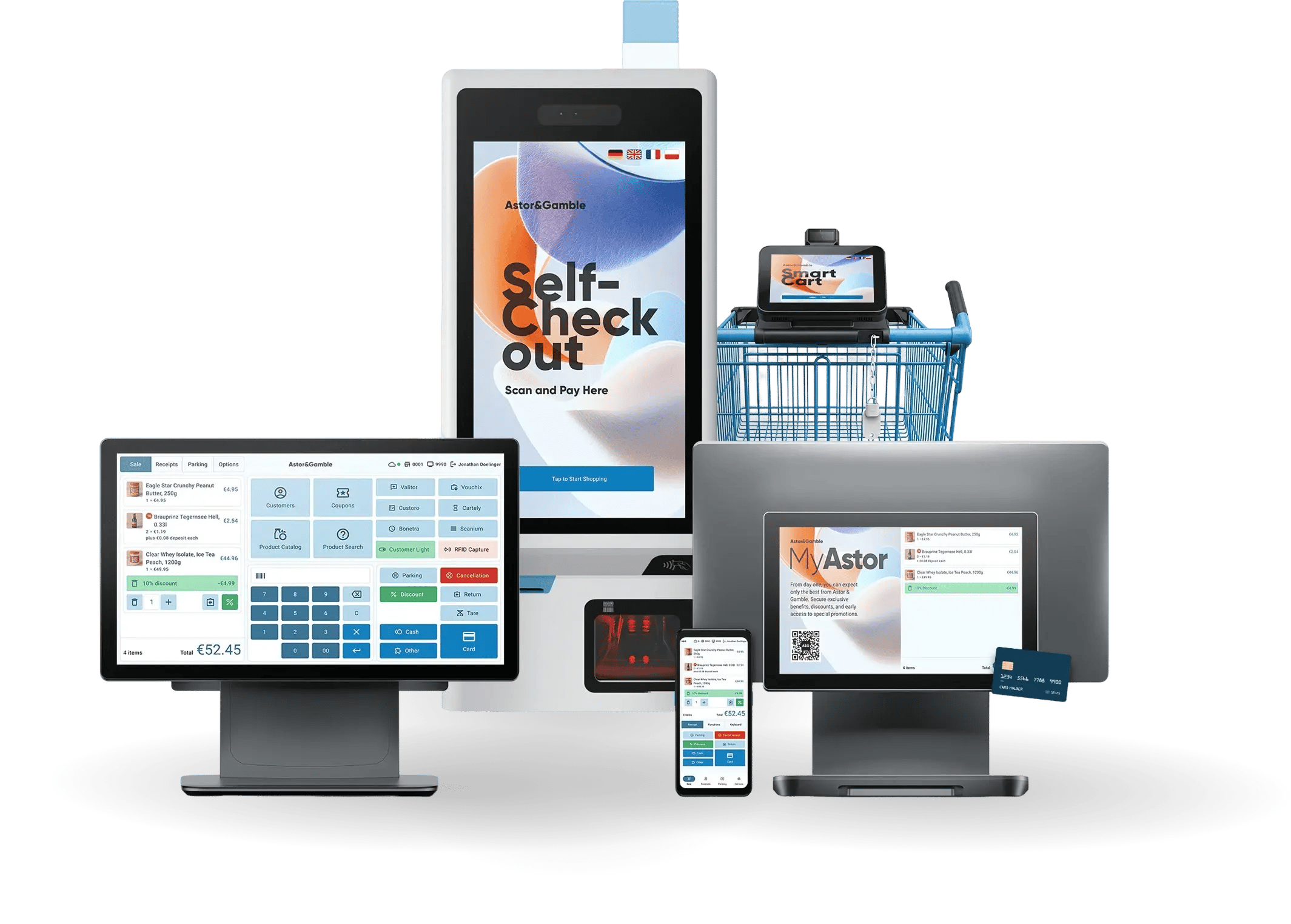
Create a store, then add manned tills, self-checkouts and mobile devices to it. Configure a single device, or set one configuration that every new device inherits. Branding is part of it: logo, colors, fonts and button styling per device.
Products, prices, promotions
Product data with barcodes and code templates, deposit and bundled items, customer card prices. Pricing categories, permanent tax rules, product menus and quick-access tiles per device. Printed and digital coupons with promotion rules, validity windows and bulk code import.

Users and permissions
Cashiers, store managers and head-office users in one list, with read or write access granted per area. Login via account, Google or Microsoft. Role changes and password resets happen in the portal, not in a support ticket.
Rollouts without a technician
POS releases with a clear changelog and stable, beta and latest channels, so a store can run the stable build while a pilot store tests the next one. Device monitoring shows which OS and software version each till is running and when it last booted, so you find the one that's stuck before the store calls you.
Statistics and audit
Revenue gross and net, basket average, new and recurring customers, product data changes, customer feedback with ratings and comments. For self-checkout, age verification and supervisor rescans with success rate, intervention count and check duration at median and 90th percentile. For 24/7 concepts, an access journal showing who entered, on which credential, and whether access was granted or blocked, plus a block list and SMS alerting.
The store manager sees their own store, not a chain report.
Store staff don't need a view of all your stores. They need today's numbers, the cash in front of them, and a closing process that doesn't end in a spreadsheet.
Today's numbers, per cashier
Sales, transactions and basket average for this store. Broken down by cashier and by till, so a shift discussion starts from data instead of memory.
Cash, container by container
How much is in each drawer and in the safe, at any moment. Deposits and withdrawals are booked when they happen, not reconstructed at closing. Change orders, change deliveries, skimming and bank deposits all land in one cash book with correction bookings where you need them.
Till and day closing
Count the drawer by denomination, compare actual against target, and re-count on the spot when the numbers disagree. Day closing rolls up every open till closing. If a count can't happen, the till closes automatically so the day closing isn't blocked.
Journal and exports
Every transaction with its line items, cashier, device, payment terminal response and fiscal reference. Transactions export as CSV, closings generate DSFinV-K, DFKA Taxonomie, POSLog, receipt archive, daily totals or aggregated receipts, on a schedule you set per store and time zone.
Show us your store processes.
We lead the way.
30 minutes on your closing process, your cash handling and your rollout plan.
No pitch, and an honest answer on what we'd change.